Skip to content
Quirl

Your cookbook stays yours.

Quirl is an app for your recipes. Everything stays on your device. You do not need an account. Quirl also works without the internet.

Drawing of a wooden whisk — the Quirl logo

Quirl

One cookbook. Yields: your whole collection.

Ingredients

  • 1device — that is all you need
  • ∞recipes: from photo, link, text, or PDF
  • 0accounts, ads, subscriptions
  • 14allergens known to your profile
  • 6views for every recipe

Method

  1. Collect your recipes in Quirl.
  2. Plan your week. One tap fills the shopping list.
  3. Start cooking. The screen stays on. Enjoy!

Features

What Quirl does

Collect recipes

Take a photo of a cookbook page. Quirl reads the text and turns it into a recipe. You can also paste a link. Or a text. Or a PDF file. Or you type the recipe yourself.

Cook

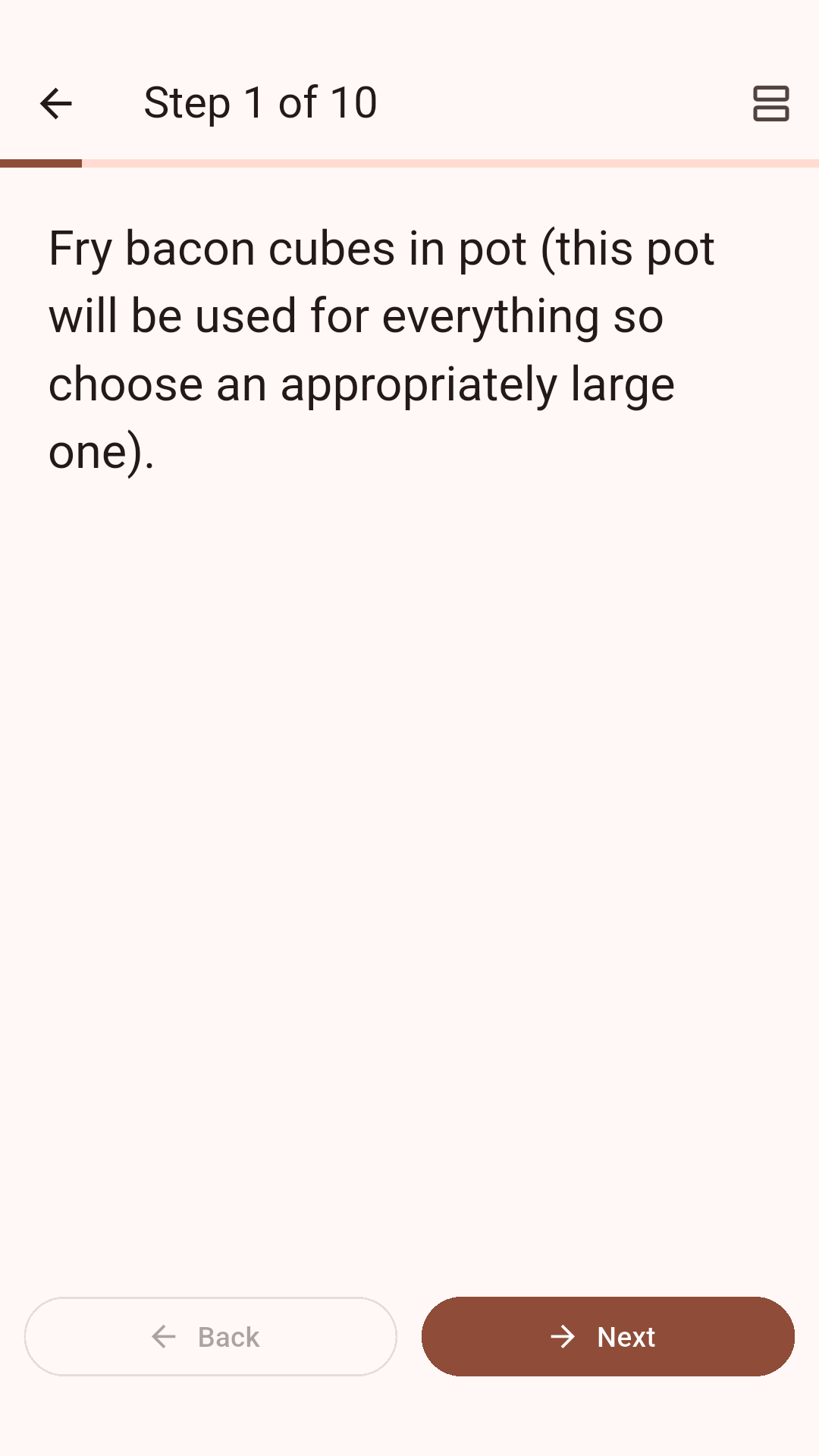
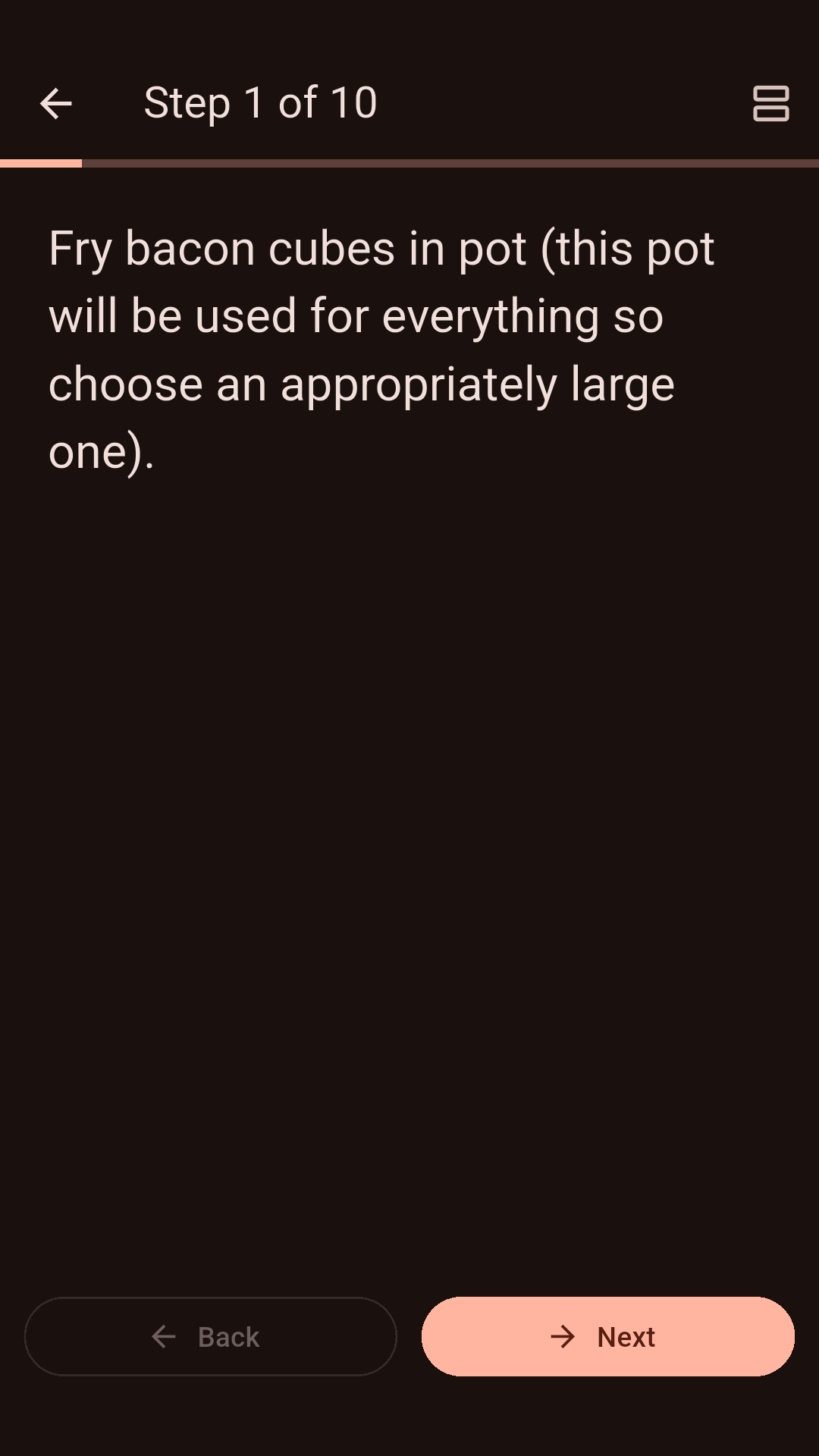
In cooking mode the text is large. The screen stays on. Timers start right in the step. Need more servings? Quirl recalculates all amounts. Every step shows which ingredients you need right now, and how much of each.

What you have cooked

After cooking, you give stars and write a note. For example: “Less salt next time.” Quirl remembers every time. The ranking shows what you like to cook most. And what you have not cooked in a long time.

Plan

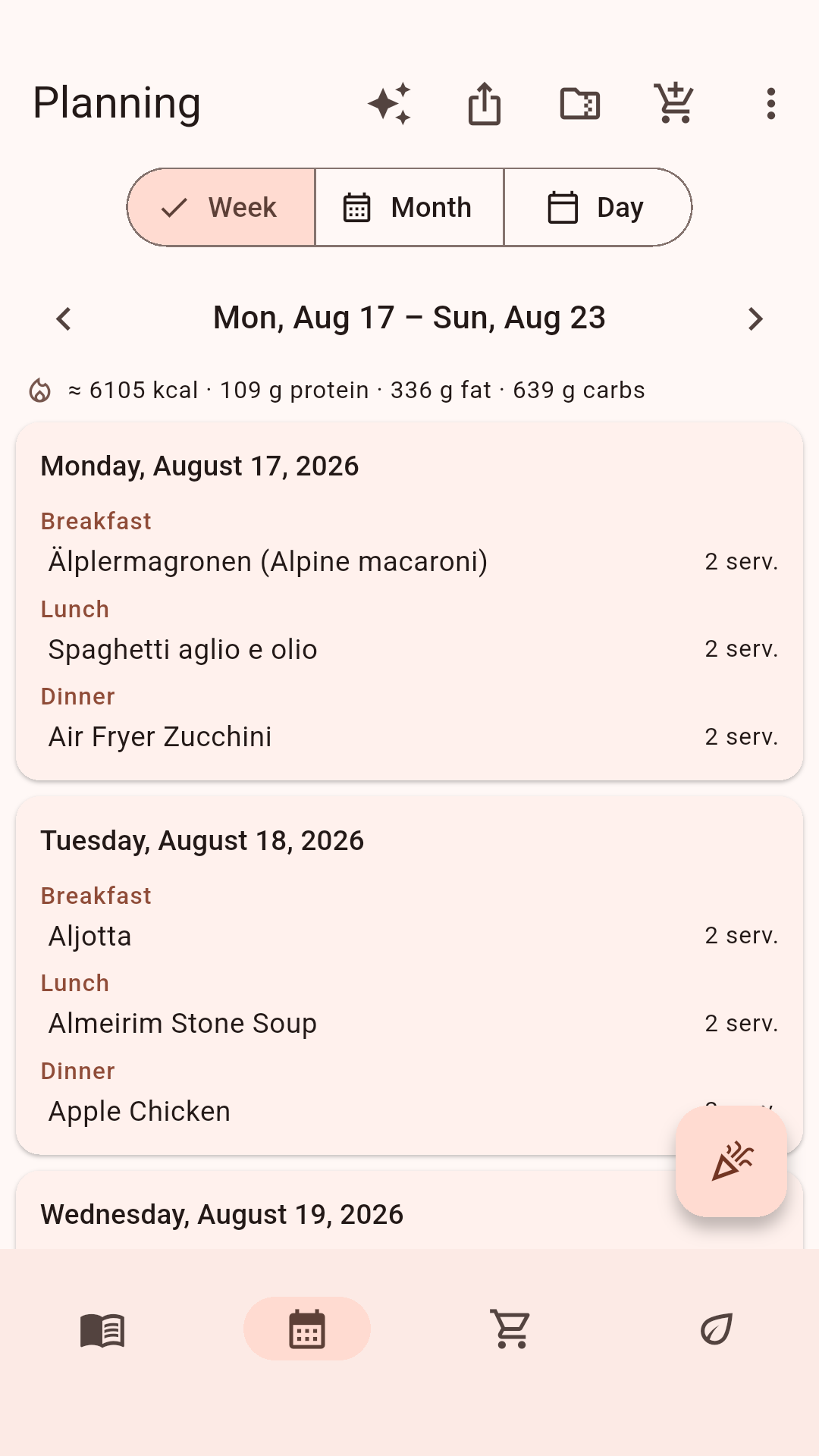
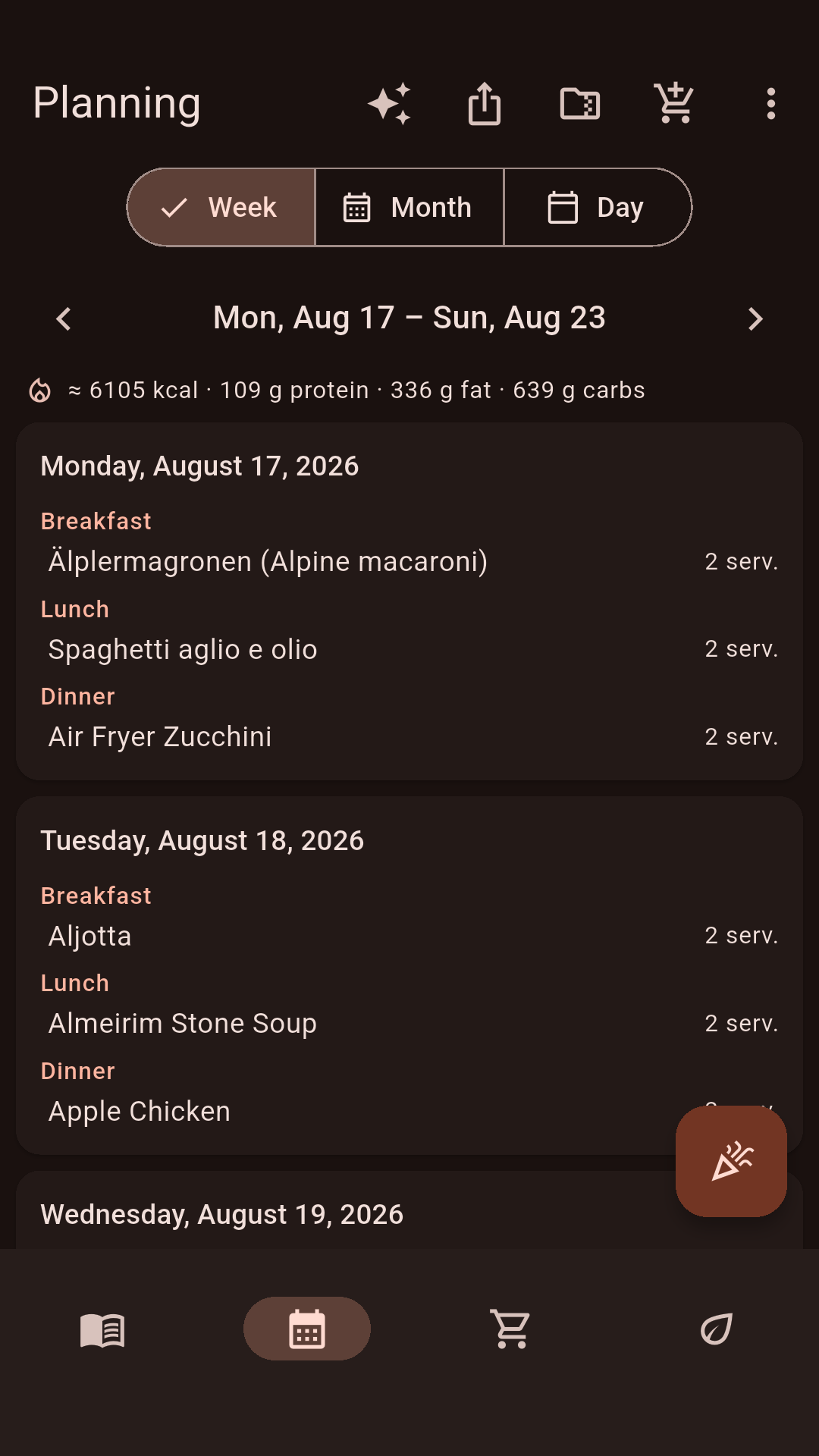
Plan your meals for the day, the week, or the month. You can also plan events, for example a buffet. Save a good week as a template. Quirl adds up the nutrition for every day. One tap fills the shopping list. The amounts match the number of people.

Quirl plans for you

No idea for the week? Quirl makes a suggestion. It only uses recipes from your collection. What does not suit you stays out of the plan. What is in season comes up more often. This works without AI and without internet too. You see the suggestion first and decide yourself.

Shop your way

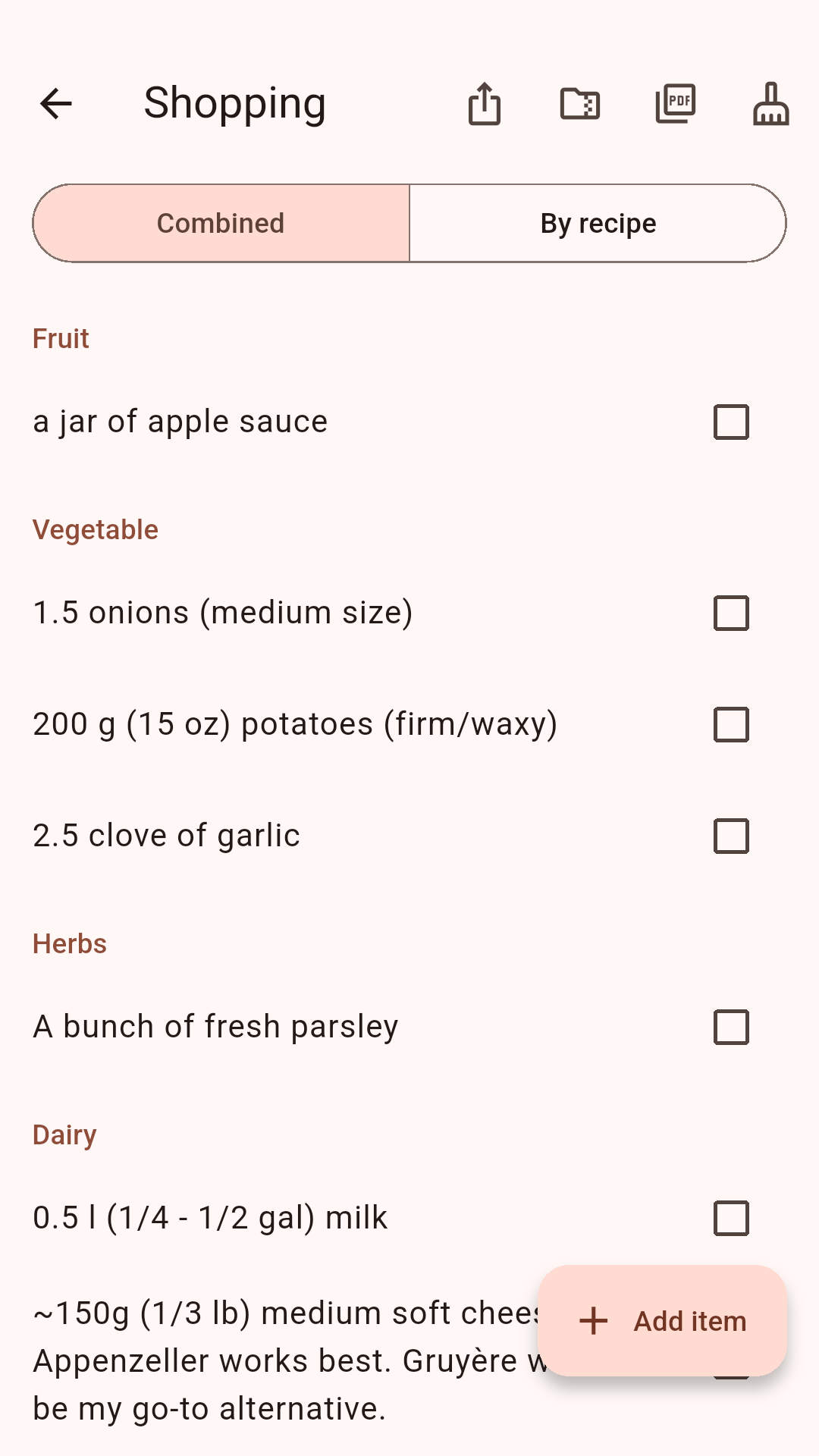
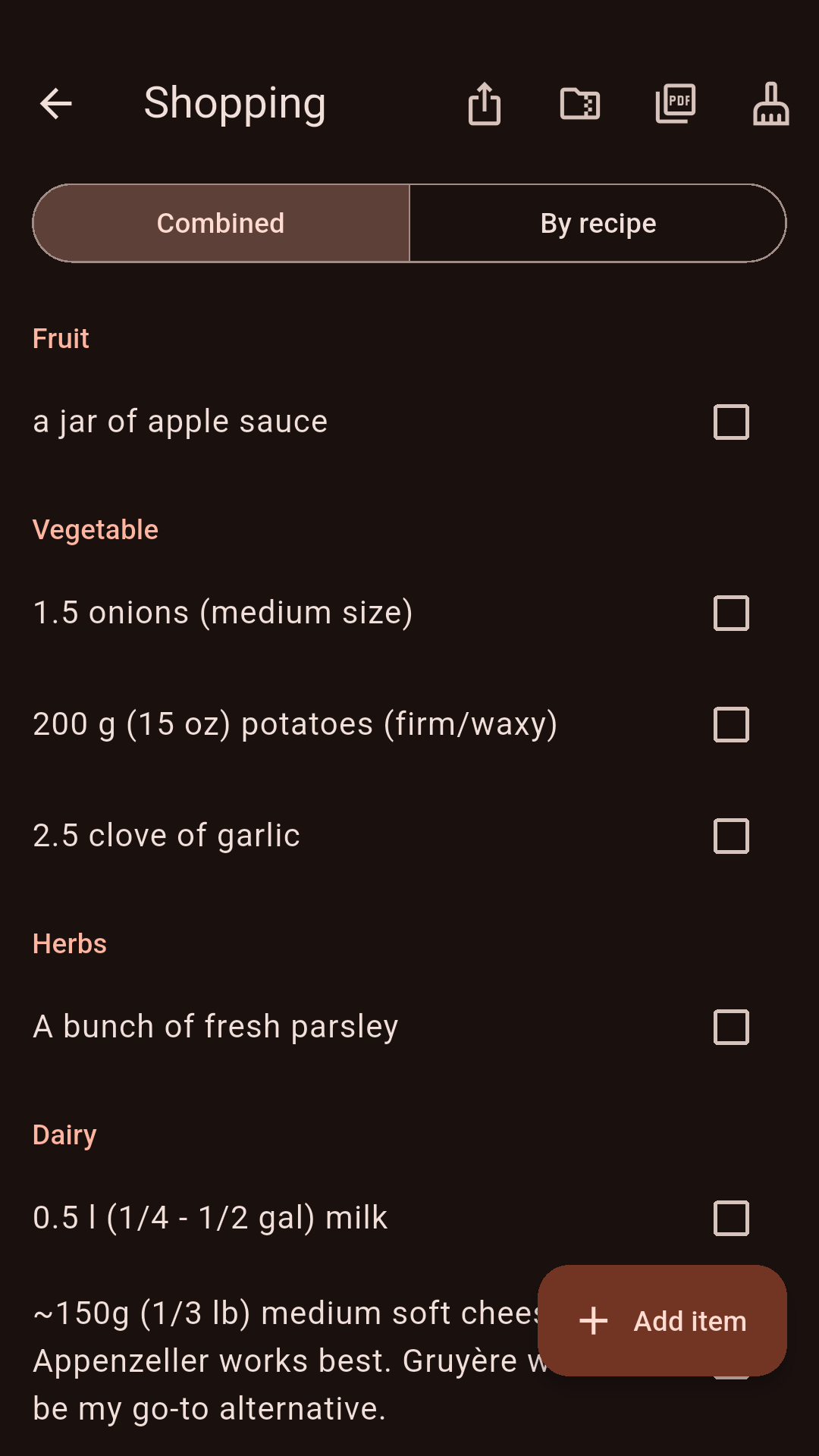
Put what you need on the shopping list, even without a recipe. Quirl adds up the same items. Already using another shopping app? Quirl sends the list to Listonic or Bring!. With Grocy and KitchenOwl, Quirl can even keep lists in sync. These connections are still new.

Know what you eat

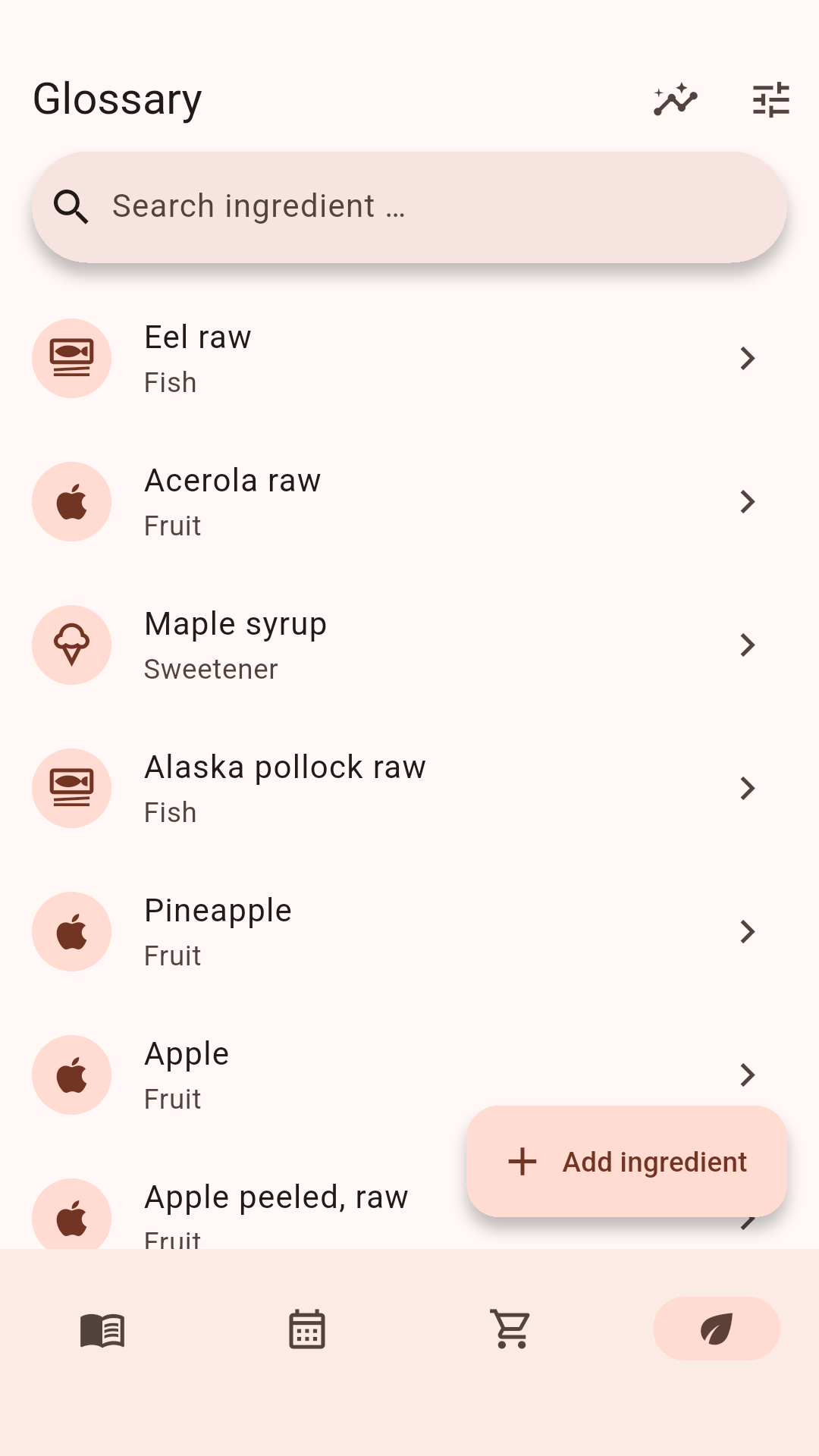
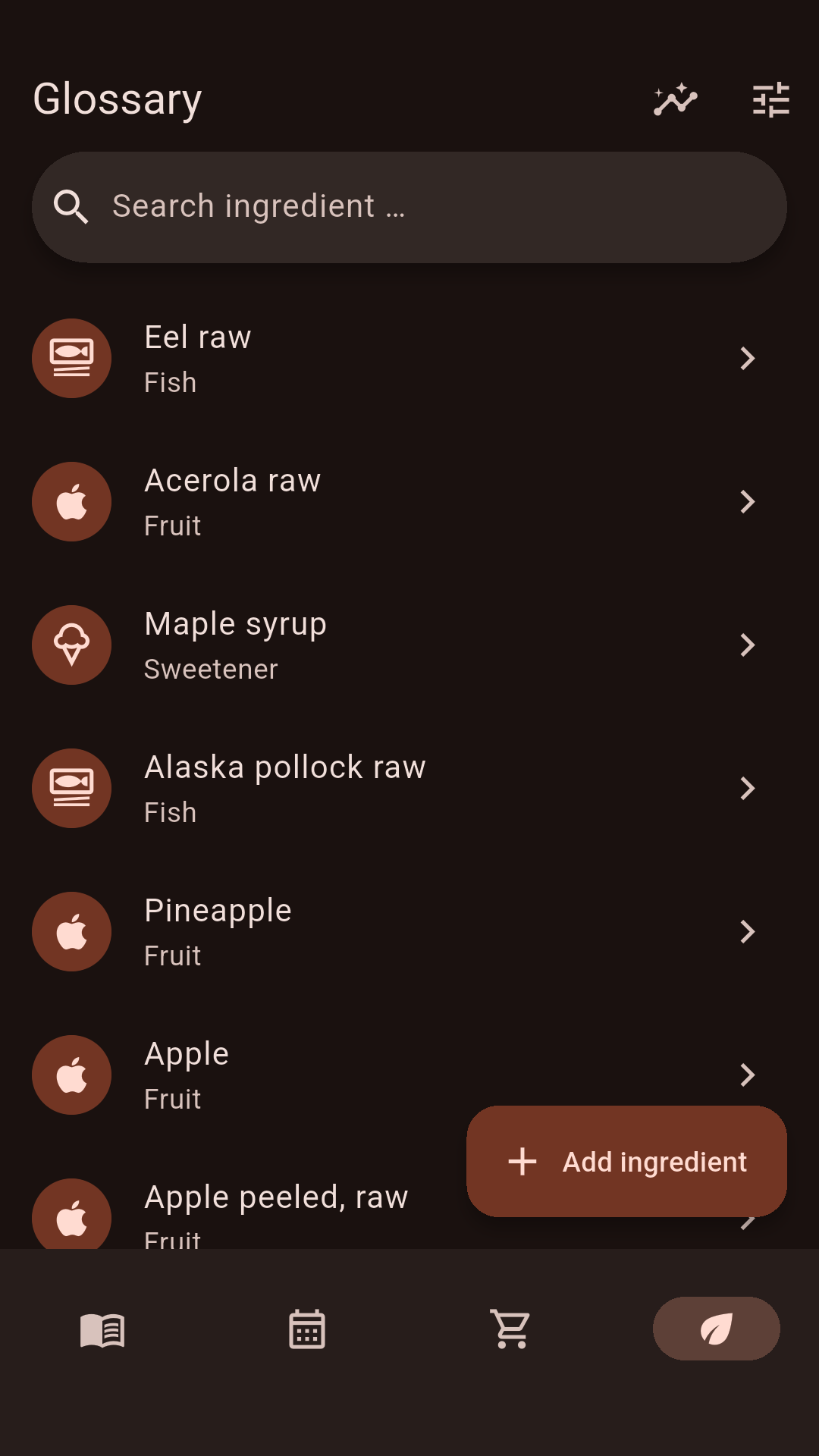
Quirl shows calories and nutrition facts. The data is stored inside the app. A glossary explains ingredients. It also shows when fruit and vegetables are in season. Looking for something rich in iron or vitamin C? Quirl sorts the foods for you.

Does it suit me?

Tell Quirl what you eat and what you avoid. Quirl knows the 14 most important allergens. Every recipe tells you: this suits you — or this does not. If something does not fit, Quirl suggests a swap.

Your devices

Quirl syncs your recipes between your devices. This works over your Wi-Fi at home. There is no server. The data is encrypted. Sharing works too: as a file, QR code, or text. Share a meal plan or a shopping list, and the recipes come along.

AI only if you want it

Quirl can ask an AI for help. For example with translations. This is voluntary. You need your own access to an AI provider for it. Everything works without AI too.

Order without effort

Search finds every recipe — even by ingredient. Filter by season, difficulty, or categories. Sort with favorites and stars. A backup saves your whole collection, including your cooking history.
Getting recipes

How a recipe gets into the app

Found a recipe? There are several ways into your collection. Pick the one that fits right now. Quirl always checks the result first. You see the recipe before you save it. If something is off, just change it.

From a cookbook

Take a photo. Tap “Import photo”. Photograph the page. Is the recipe long? Take several photos at once. Quirl reads the text and sorts it. The photo becomes the recipe picture.

From a website

Copy the link. Paste it into the field on the import page. Tap “Import”. Quirl fetches ingredients, steps and usually the picture too.

While browsing

Use “Share”. On your phone: tap share on the website. Pick Quirl from the list. Done. You don’t need to open the app first.

From a file

Open the file. Tap “Open file”. Quirl reads PDF files and recipe files from other apps. That’s how you bring your old collection over.

From a message

Paste the text. Did someone send you a recipe? Copy the text. Paste it into the same field as a link. Quirl works out what it is.

From a friend

Scan the code. Anyone with Quirl can show a recipe as a QR code. Tap “Scan QR code” and point your camera at it.

Or type it yourself

Write it down. Grandma’s recipe on a piece of paper? Tap “Create manually” and type it in. You can change everything later.

Mistakes are fine

A recipe is never simply thrown away. Something missing or read wrongly? Quirl keeps it as a draft. You see what’s missing and fill it in when you like. Already have a recipe? Quirl tells you. So nothing ends up twice in your collection.

Pictures

What Quirl looks like

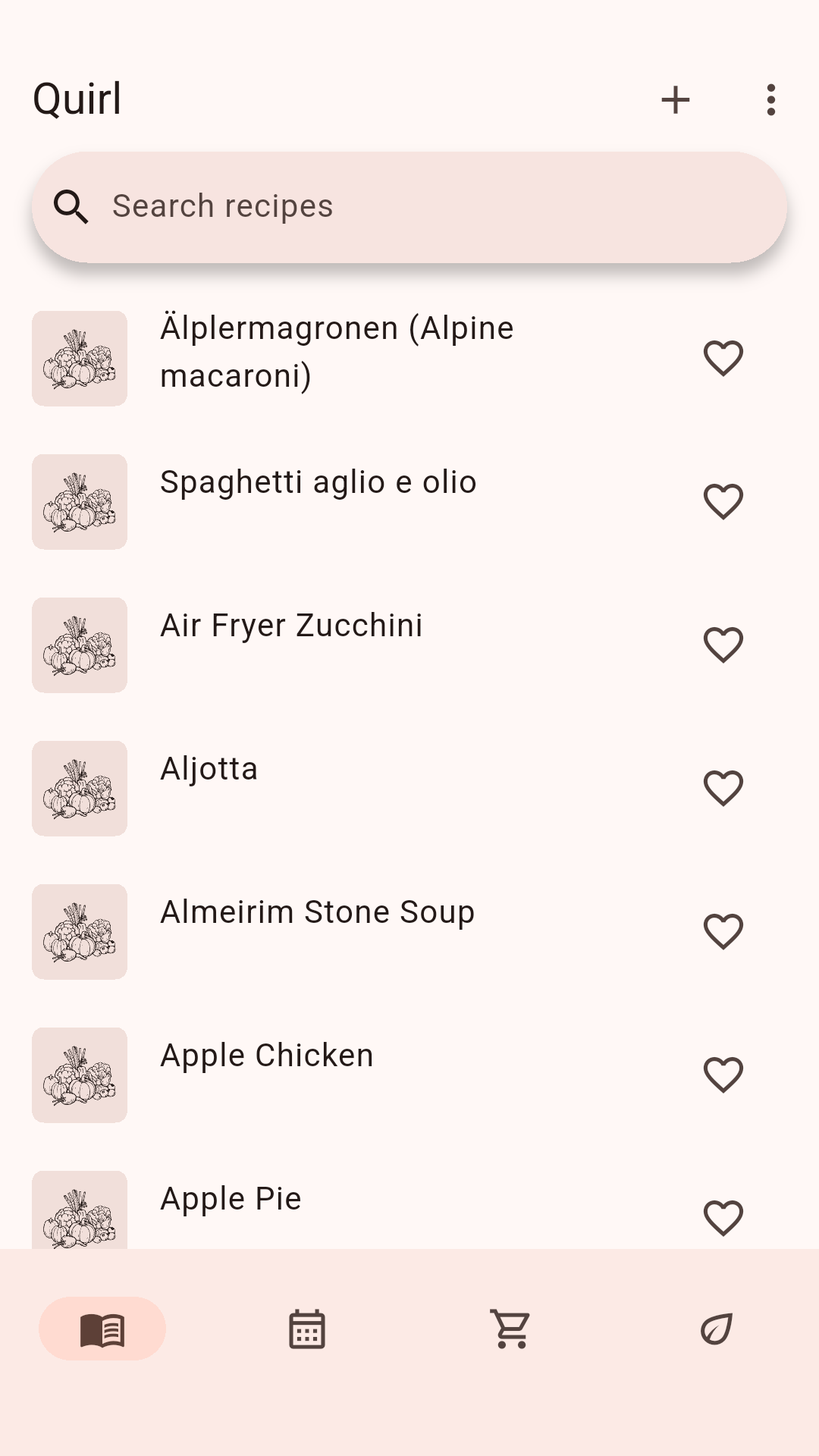
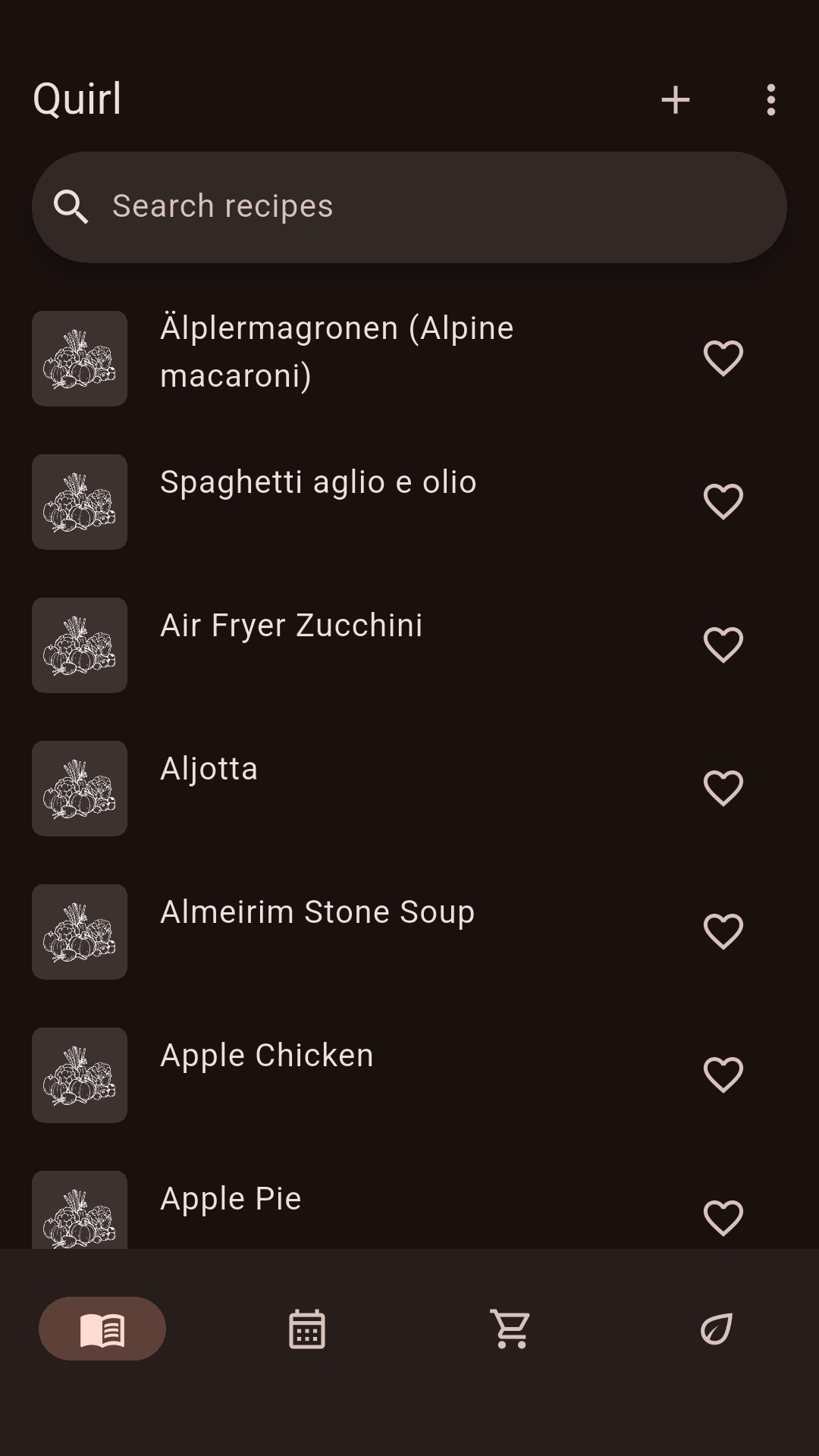
Library with recipe cards and searchLibrary with recipe cards and search
Library
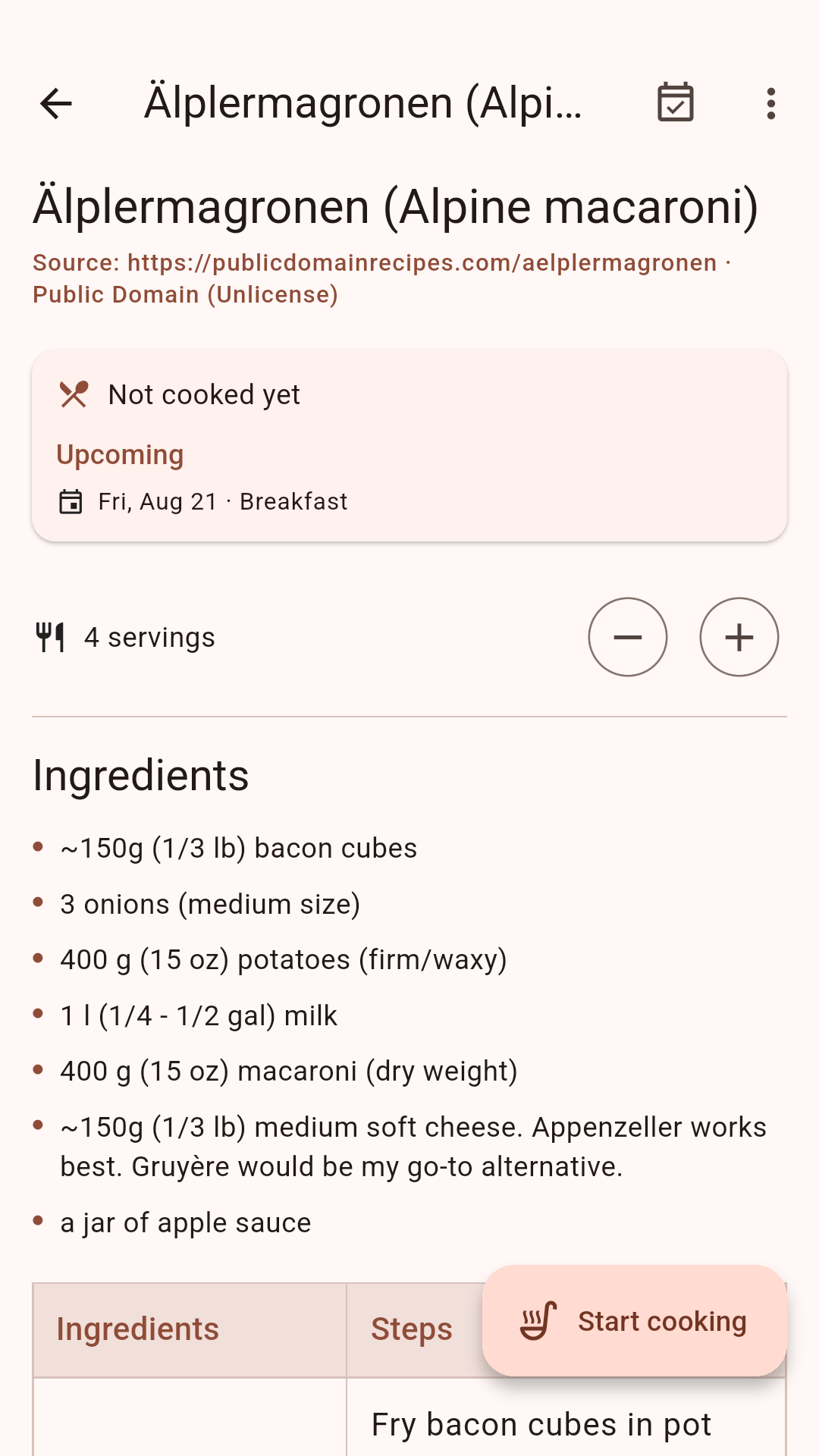
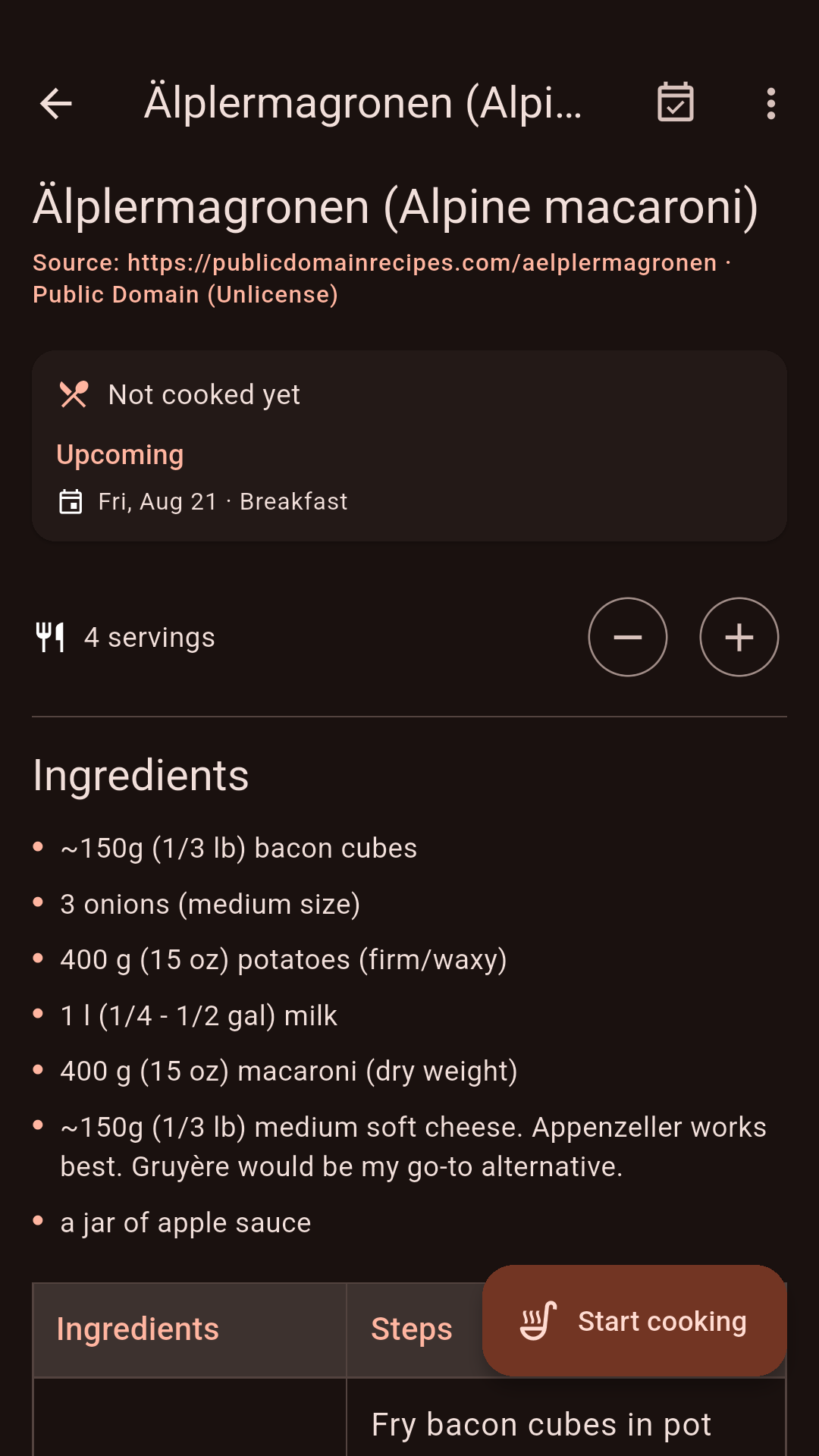
Recipe with ingredients and stepsRecipe with ingredients and steps
Recipe
Cooking mode with large textCooking mode with large text
Cooking mode
Week plan with mealsWeek plan with meals
Planning
Shopping list sorted by recipeShopping list sorted by recipe
Shopping list
Ingredient glossary with season dataIngredient glossary with season data
Glossary

Downloads

Quirl on your devices

On Android, Windows, macOS, and Linux, Quirl is free. For iPhone and iPad, you buy Quirl once in the store. Then it is yours. There is no subscription. There are no extra purchases inside the app.

Android

Free on Google Play. The store keeps the app up to date.

Get it on Google Play

iPhone / iPad

From iOS 15.5.

coming soon

Windows

Free for Windows 10 and 11.

Download and install

macOS

Free for Apple computers.

Download and install

Linux

Free as AppImage, Flatpak, Snap, .deb, or .rpm.

Download and install

Support

Buy me a coffee

Quirl has no ads and sells no data. On Android and on computers, Quirl costs nothing. Still, building it takes time. The app stores charge fees. Do you like Quirl? Then I would be happy about a coffee. Every amount helps Quirl keep growing.

Liberapay

By card or direct debit. A non-profit association from France.

Support with Liberapay

PayPal

With your PayPal account.

Support with PayPal

Questions

Answered briefly

What does Quirl cost?

On Android, Windows, Mac, and Linux, nothing. For iPhone and iPad, you buy Quirl once. Then it is yours forever. The store on your device shows the price. It differs a little from country to country. There is no subscription, no ads, and no extra purchases inside the app. Your purchase helps pay the app store fees. Would you like to support Quirl beyond that? Then buy me a coffee.

Why is there no account?

You do not need one. Your recipes live on your device. Syncing between your devices runs over your Wi-Fi at home. Nobody else gets your data.

Does Quirl really work without the internet?

Yes. Creating recipes, cooking, planning, shopping, searching — all of it works offline. You only need the internet for three things: fetching recipes from websites, discovering new recipes online, and the voluntary AI help.

How do my recipes get from one device to another?

You connect your devices once. You compare a short code on both devices. After that they sync by themselves on the same Wi-Fi. The data is encrypted. There is no server.

Where do I get recipes when my collection is empty?

On first start, Quirl adds a few recipes. They match what you eat. Under “Discover recipes” you find more: free recipes that already come with the app. If you like, recipes from the internet join in.

And if I no longer want Quirl?

Your recipes belong to you. You can save them as open files at any time and take them with you. For example as PDF, as text, or in the open Cooklang format. Other software can read these files too.